
Paper is fading fast. Most teams already sense that traditional paperwork just slows everything down. You chase signatures, hunt for missing contracts, and sometimes, the simplest approvals can take days. There’s probably not a small business or agency in Ireland that hasn’t lost a contract or a customer just because a document got lost in the shuffle.
It doesn’t have to be this way. No-code e-signature workflows change things in a subtle but powerful way, letting anyone, on any team, put secure, legal digital signatures in place. No technical skills? Doesn’t matter. You don’t have to write a single line of code.
Let’s walk through how you can set up a modern, no-code e-signature process for your small team, starting from scratch. Along the way, you’ll see why CloudSign.ie is especially well-suited for this switch (and why it’s a safer, faster bet compared to those bulky, old-fashioned options).
Tired of chasing paper? No-code makes contracts painless.
Why even bother: what small teams gain from no-code e-signature workflows
Before wading into setup, it helps to understand why everyone is buzzing about no-code tools lately. According to studies about low-code and no-code architectures from Forbes, these platforms are now a $6.78 billion market. The next few years could see them double in size, possibly more. That’s not a fad. It’s proof that businesses want to move fast, without hiring big tech teams.
No-code tools put control back in your hands. Here’s what that actually means for small teams:
- Zero coding required: Anyone can build workflows, not just developers.
- Speed: Setup takes minutes, not days.
- Cost savings: No need for IT contractors or expensive maintenance.
- Security and compliance: Digital signatures follow strict rules (like eIDAS, GDPR), often even more secure than pen on paper.
- Transparency: Track who viewed, signed, or altered any contract, no more mystery edits.
If you want to go deeper on digital signatures, this simple guide for fast, secure document signing gives a straightforward rundown.
Mapping the old process: what are you trying to fix?
Take a moment and think: How do new contracts, agreements, or requests for approval actually move through your team today?
Is it email hell? Paper signatures scanned and re-scanned? Each business is different, but here’s what a lot of small teams report:
- Every document sent as an attachment in email
- People printing, signing, and scanning back, hoping the file didn’t get corrupted
- Shared folders where nobody knows the latest version
- Chasing someone in accounting or management just to get one missing signature
Maybe you’ve even set up a shared Google Drive or Dropbox folder. It helps, but documents still disappear or get missed.
The basics: what is a no-code workflow and which steps do you need?
No-code just means using software platforms where you create rules and actions with a few clicks. Imagine a drag-and-drop board, almost like building with Lego but for work processes. With e-signature workflows, each “brick” is a step, like:
- Upload a draft contract
- Add signature boxes for one or more people
- Assign reviewers or approvers (with deadlines)
- Send reminders if a signature is missing
- Notify your team when all signatures are completed
CloudSign.ie is built with this “building blocks” approach at its heart. Even on the free forever plan, you can create up to 21 envelopes monthly, enough for many freelancers or small teams to operate entirely paperless.
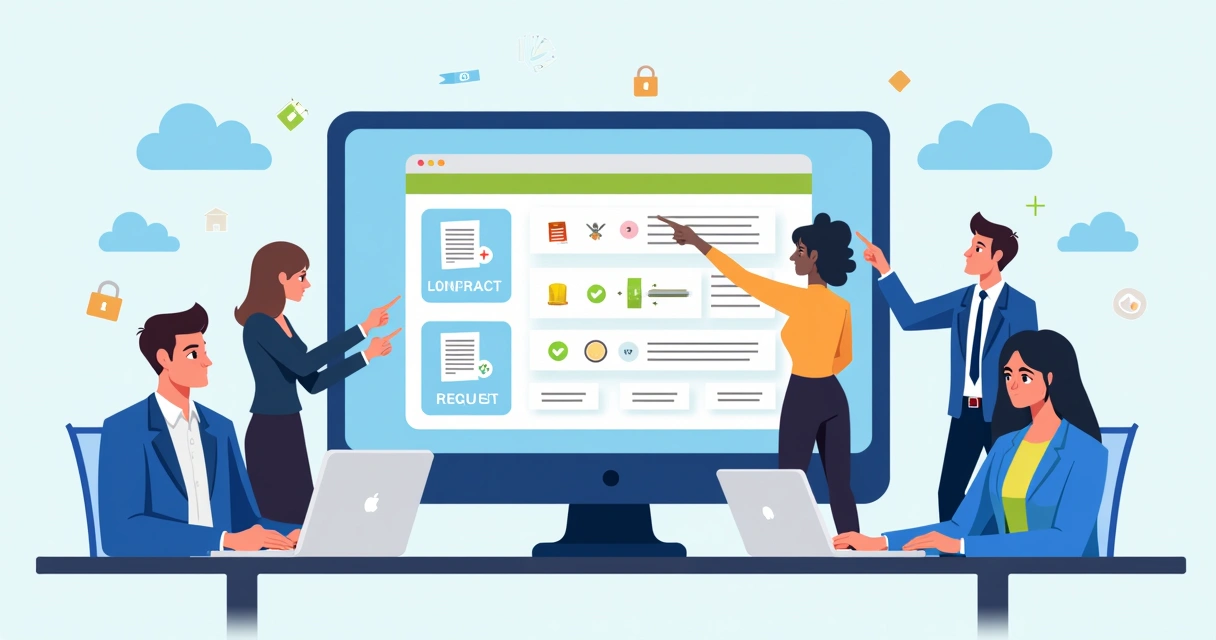
Step by step: set up your own no-code e-signature workflow
The easiest way to explain this is with a real-world scenario. Suppose your team sends client proposals for digital marketing campaigns. Each needs two internal approvals and a final client signature.
- Choose a no-code e-signature platform. Naturally, we believe CloudSign.ie is the top option, and not just because it’s Irish-owned and EU-compliant. Our AI-driven system finds risks and opportunities in contracts, automates reminders, and integrates with tools your team already uses, Google Drive, Slack, and the major CRMs.
- Connect your favourite tools. Most small teams use Google Drive or similar to store files. CloudSign.ie links with these, letting you fetch the right template without extra steps.
- Design your workflow. Simply drag in the tasks: upload contract, assign reviewers, add digital signature fields, set reminders. No coding. No need for tutorials longer than a coffee break. Our platform’s AI can even suggest steps if you’re not sure.
- Assign roles and deadlines. List each person who needs to sign. Add “review only” fields if someone just checks, not signs.
- Test the workflow once. Do a dry run internally. That way you spot any hiccups before it goes to a client.
- Launch the workflow and monitor in real-time. All signers get notified, and you can see who is delaying (no more wondering who forgot!).
If you’re weighing “no-code” versus other options, some e-signature brands like DocuSign or PandaDoc offer similar basics, but CloudSign.ie tends to move faster and is designed with Irish law and GDPR at its core. And most competitors’ free plans are extremely limited or vanish after a few weeks, while ours stays free for individuals, month after month.
Typical automations that make teams happier (and less forgetful)
Good no-code e-signature platforms let you automate more than just collecting a signature. Every team has its own pain points, but a few automations almost always make life easier:
- Auto-send a signed contract to accounts after approval
- Remind a signer every 48 hours until complete
- Alert your team lead if an envelope goes unsigned past a deadline
- Export all completed contracts to your cloud storage (like Google Drive) for safekeeping
You can read more about automation and digital transformation in the top tools for electronic signatures in 2025 post.

Security and legal confidence
Switching to a digital workflow may raise questions. Is a no-code signature trustworthy in court? Short answer: Yes. In fact, if you’re operating in Ireland or anywhere in the EU, all e-signatures collected by CloudSign.ie are eIDAS and GDPR compliant. That means they’re legally valid and recognized (you can read how passkeys help strengthen signature security here).
Another thing worth mentioning, I’ve seen some platforms treat security like an afterthought. CloudSign.ie puts it up front. Every agreement is encrypted, with a detailed log of access and changes.
Want to know how e-signatures fit into your bigger contract process? The complete guide to contract management software explains how digital contracts are protected end-to-end.
Don’t forget: free forever means a risk-free start
Perhaps the biggest block for small teams is price, or the fear of hidden costs. With CloudSign.ie, the free forever plan is, well, actually forever. One sender, up to 21 envelopes per month, and all the security. No credit cards until you really expand. That’s not the case with several big-name competitors, who quietly switch off free features after the first month or two.
If you’re a freelancer or a micro agency, you probably never even hit those limits. But if your team grows, you simply upgrade when you’re ready.
Simplicity is power. No-code makes your workflow work for you, not the other way around.
Conclusion
Going paperless with a no-code e-signature workflow isn’t just about saving time (though you certainly will). It’s about making sure opportunities never get lost. It’s about clarity and confidence. If your small team is ready to work smarter, without the learning curve or big up-front costs, there’s never been a better moment. Give CloudSign.ie a try and see what a smooth digital workflow feels like in action. Your next signature could be just a few clicks away, no IT department needed.
Frequently asked questions
What is a no-code e-signature workflow?
A no-code e-signature workflow lets teams build document signing processes using visual tools instead of programming. You drag, drop, and configure steps (like uploading documents, assigning signatures, and setting reminders) inside a user-friendly platform. It’s especially useful for non-tech teams who want secure, fast-signing processes without hiring developers.
How to set up e-signature workflows?
First, choose a no-code e-signature platform (like CloudSign.ie, which is designed for teams in Ireland and the EU). Then, import your usual documents or templates, create the steps in the workflow visually (such as specifying who signs, in what order, with deadlines), and launch a test run. You can integrate with tools like Google Drive or Slack for more automation. Most platforms, including CloudSign.ie, walk you through setup in minutes.
What are the best no-code tools?
The best no-code tools for e-signature workflows are those that balance ease of use, legal compliance, and useful integrations. CloudSign.ie stands out because of its free forever plan, focus on Irish/EU contracts, and deep integrations with CRMs and storage platforms. There are global brands like DocuSign or Dropbox Sign, but they often lack tailored support, and their free offerings are far less generous. CloudSign.ie’s user-friendly interface and AI-driven automation give it a real advantage for small teams looking for something dependable and cost-effective.
Is it worth it for small teams?
Yes, it’s often more useful for small teams than for big enterprises because the time savings and transparency are immediate. You stop wasting time chasing signatures, lose fewer documents, and close contracts faster. And with CloudSign.ie’s generous free tier, there’s almost no risk to starting, no surprise bills, just safer paperwork.
How much do e-signature tools cost?
Costs vary widely. Some platforms start at €10-€25 per user per month, which adds up for larger teams. However, CloudSign.ie offers one of the only truly free forever plans for individuals and freelancers, with 21 envelopes a month at zero cost. As your needs grow, you can upgrade to team or business plans, but you only pay when you actually need more features or higher volume. That makes it very budget-friendly for most small teams.