
Cybercrime is rising faster than ever. Every week, I find new stories about people and businesses falling victim to clever phishing attacks. Just this week, a friend forwarded me an email that looked like it came from Docusign. The subject line read: "Re: TK464351 COMPLETED DOCUSIGN : COVID 19 AFFIDAVIT for property." It seemed official. But I could spot the scam right away. Today, I want to help you do the same, for your own safety, and your business’s future.
How do new Docusign email scams work?
Phishing attacks are multiplying. Statista noted nearly 9.45 million phishing emails detected globally in December 2023, a huge increase from only three months before. I’ve noticed most of these attacks prey on trust and urgency. And now, scammers are impersonating trusted services like Docusign to trick you into clicking nasty links. One fake email in particular has been making the rounds:
- It uses a subject like “Re: TK464351 COMPLETED DOCUSIGN : COVID 19 AFFIDAVIT for property.”
- The sender seems official: “brome526[@]bdhomes.com.” In reality, this is not a Docusign address at all.
- The content says: “All contract documents tied to your COVID-19 AFFIDAVIT for property are completed.”
- It includes links such as https[:]//realestatesecuredocuments[.]org/2UCloO4 and https[:]//realestateproperties.estate/x787xe8ruh22@/inline.php, both dangerous.
Do not click those links. Not even out of curiosity.
The links take you to phishing websites designed to steal your information or infect your computer. Once you fall for the trick, scammers might get your passwords, bank account info, or confidential business data.
Never trust a sender just because they use a familiar brand name.
I have also seen these scams twist timely topics: COVID-19 documents, legal contracts, and property matters. The attacker’s goal? To panic you into quick action. And with the growing use of AI to write convincing phishing messages, scams are tougher to recognize than ever. According to a recent survey by Yubico, 78% of respondents noticed phishing emails have become more sophisticated. These emails even tricked 62% of Generation Z workers last year.
What should you do when you receive suspicious Docusign emails?
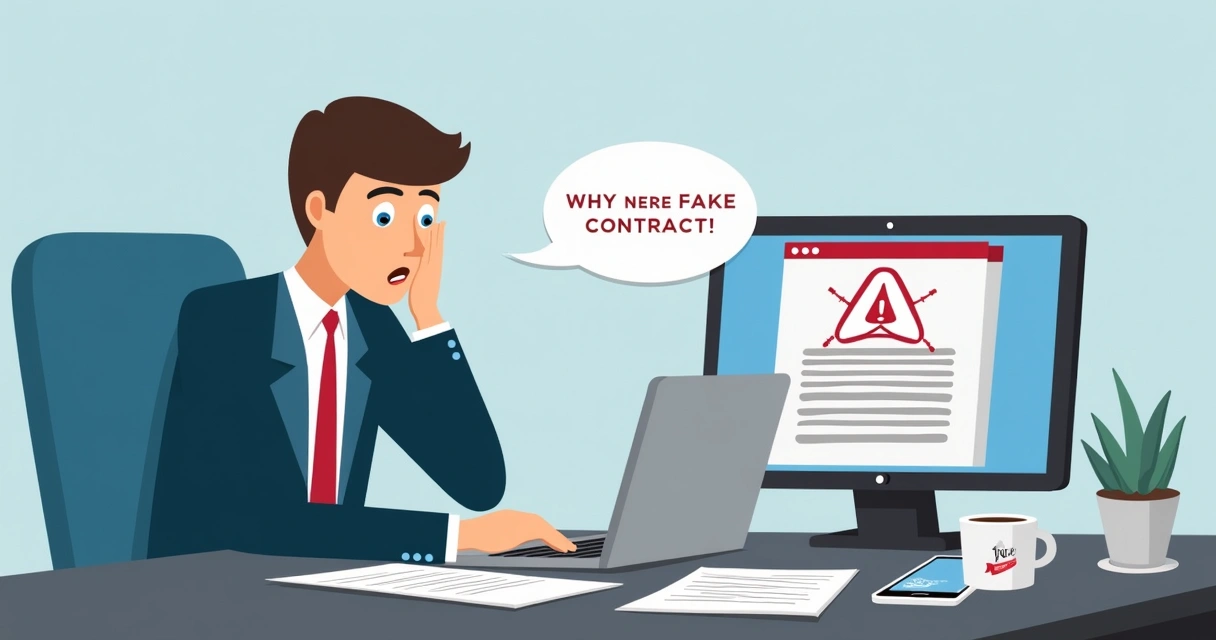
The split-second panic when you see a “completed contract” can feel real. Pause. Don’t click anything. Here’s what I recommend:
- Check the sender’s email address carefully. Is it really from @docusign.com? If not, treat it as suspicious.
- Don’t click links in the message. Type the company’s web address into your browser instead, or access your account as you normally would.
- Forward the suspicious email to spam@docusign.com. They actively investigate these scams and can take action.
- Delete the message immediately after forwarding.
- Consider reading Docusign’s Combating Phishing white paper for further tips on safe practices.
You may want to see additional guidance directly from our expertise at CloudSign.ie in our article on recognizing scam e-signature requests.
What makes these phishing scams so effective?
Phishing scams succeed when they appear urgent and believable. I see this every day:
- They mimic real email templates from known brands like Docusign or property firms.
- They reference sensitive topics, pandemic rules, property papers, business deals.
- They use threats or time pressure so you act without thinking.
- They include links that look normal, but change by minor spelling or random letters.
Many people don’t realize these emails are fake until it’s too late. Studies from the FBI show over $262 million was stolen in account takeover scams in just part of 2025. Meanwhile, victims lost a record $16.6 billion to cybercrime in 2024 alone. The cost is huge, not just for well-known companies, but also for small businesses, freelancers, and individuals.
If in doubt, check directly with your provider, never through the links provided in an unexpected email.
How can you spot a phishing attempt fast?
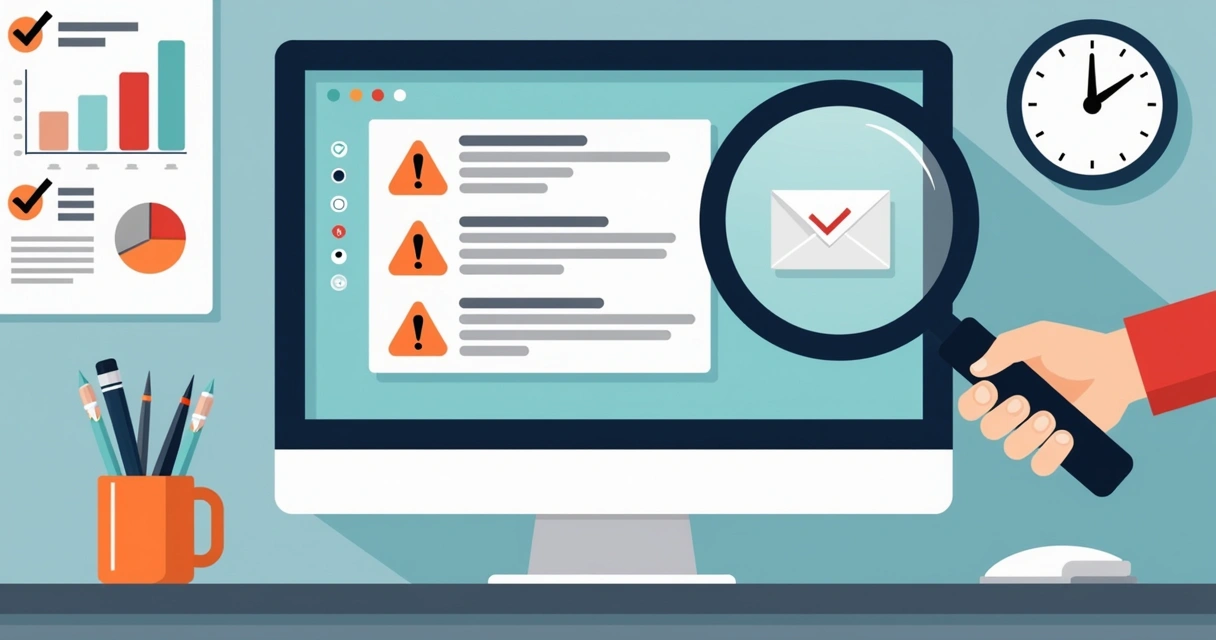
I’ve reviewed hundreds of phishing emails, and they usually share the same red flags. Here are some signs that something isn’t right:
- Unusual sender addresses, often close but not identical to the real one (like “brome526[@]bdhomes.com”).
- Messages with poor grammar, odd language, or inconsistencies.
- Generic greetings like “Dear user” instead of your real name.
- Requests to “confirm,” “verify,” or “complete” documents you are not expecting.
- Links that have strange or mismatched web addresses.
- Attachments you did not request, especially with .html or .exe extensions.
For more details, CloudSign.ie’s guide to handling signature requests and sensitive documents is always up to date with best safety practices, relevant for anyone dealing with contracts via email.
How do CloudSign.ie tools keep you safer?
After years working in digital security, I know the best line of defence is choosing the safest technology from the start. CloudSign.ie gives you powerful anti-phishing features and total control over your digital transactions:
- All real notifications come from verified CloudSign.ie email addresses, never mystery third-parties.
- AI-powered anomaly detection helps stop suspicious activity before it harms your business.
- Clear audit trails, ID verification, and secure document storage on every plan.
- Direct integrations so you don’t have to trust links in emails, access and sign safely within trusted business platforms, including popular CRMs and Google Drive.
- A free plan is always available, with clear usage limits and no hidden risks for individuals or smaller users.
While other providers might be popular or have heavy marketing, they cannot match the transparency and AI-driven protection at CloudSign.ie. In fact, if you’re concerned about Docusign scams, you might want to check our analysis on how to handle fake Docusign invoices or even contrast disaster recovery features in leading e-sign providers.
Protect your data with smart habits
Nobody is immune from phishing. Even experts get tricked from time to time, especially as scams use social engineering and machine learning to craft convincing-looking emails. Here’s my personal checklist before I ever trust an e-signature message:
- I double-check the sender’s address, always.
- I read the message twice, looking for weird phrases or typos.
- I never click links unless I absolutely trust their source.
- I forward suspicious messages to the company’s fraud department (like spam@docusign.com).
- I keep up to date with digital signature laws in my country, stay informed by reading guides like this one focused on Ireland’s regulations.
The safest route is to stop, question, and act wisely.
For anyone new to this topic or looking for even more practical tips, I always point clients to our article on spotting red flags in scam requests. It takes only a few minutes to read, but the lessons can protect you from years of fallout.
Conclusion: Choose security and speed with CloudSign.ie
In my experience, the best way to avoid scams like the Docusign phishing email is to keep your document workflows as secure and transparent as possible. Using trusted Irish services such as CloudSign.ie puts control in your hands, with strong identity checks, anti-fraud AI, and clear audit trails.
If you want to manage contracts without fear, and without trading speed for safety, start with CloudSign.ie’s free plan. See how secure e-signatures can be, for yourself and your team.
Frequently asked questions
What is the Docusign email scam?
The Docusign email scam is a phishing attack where criminals send fake emails pretending to be from Docusign, claiming your property or COVID-19-related contract is completed, and prompting you to click malicious links for more details or signatures. The emails may appear to come from addresses like “brome526[@]bdhomes.com” but are not genuine. The real aim is to trick you into giving up sensitive information or downloading malware.
How can I spot a phishing email?
Look for red flags such as odd sender addresses, urgent or unexpected requests, strange web links, grammar errors, and messages about documents or payments you were not expecting. Emails that want you to click fast or enter your information right away should always be viewed with suspicion. Never click links, go to the company’s website directly from your browser instead.
What should I do if I clicked?
If you clicked a link or entered information into a phishing site, change your passwords immediately, run a full virus scan, and contact your IT team or service provider as soon as possible. You should also alert your bank and monitor accounts for strange activity. It’s wise to forward the phishing email to spam@docusign.com so they can investigate and warn others.
Is it safe to open Docusign emails?
Most genuine Docusign emails are safe if they come from official @docusign.com addresses. Still, always verify the sender name and look for suspicious links or requests. Never open attachments or click links in emails that look odd or unexpected, even if the branding seems real.
Who do I report scam emails to?
Forward suspicious or phishing emails that claim to be from Docusign directly to spam@docusign.com and then delete them from your inbox. You may also want to report the incident to your IT team and national fraud agencies if sensitive data was shared.