
If I could count the hours I’ve spent chasing signatures over the years – well, maybe I’d rather not. Document signing, especially with more than one signer, should really not be this hard. At least, not anymore. In this article, I want to show you not only what a multi-signer workflow is, but exactly how to set one up with digital tools so your business – whether you’re a freelancer or running a large enterprise – can stop feeling bogged down by paperwork.
What is a multi-signer workflow, and why does it matter?
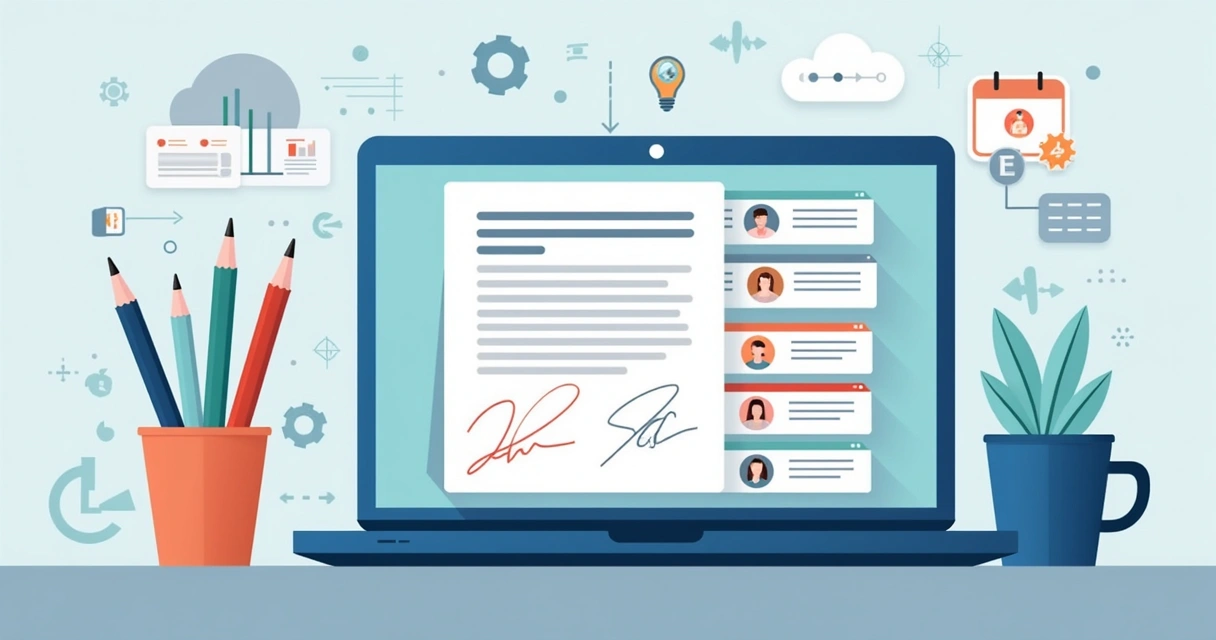
A multi-signer workflow is a process for sending a digital document to two or more people who must sign, approve, or complete fields – sometimes in a certain order, sometimes all at once.
I’ve run across so many everyday examples: Sales contracts where both the buyer and an internal manager need to sign. NDAs that need two signatures to hold up legally. Vendor or partnership agreements with multiple stakeholders. HR forms that demand approval from a department head and payroll. All of these can turn ugly, fast, if you’re using manual methods like email attachments or even basic e-signature tools that only care about individual signers.
When everyone’s in the loop, no signature gets missed.

Common pain points with manual and simple e-signature methods
In my experience, here’s what tends to go wrong with old-school or simplistic methods:
- Signers get confused about order. Someone jumps the queue or signs before approvals.
- Status is a mystery. No one knows who’s signed, who hasn’t, or if reminders went out.
- Constant manual chasing by whoever’s coordinating – which is almost always me.
- Unclear editing rights. Someone edits after another person signed, and now the version is suspect.
- Scalability problems. What works for one contract breaks down when you’ve got dozens or hundreds to manage.
Studies show these errors are not rare. The Regional Government Services Authority found that document chaos accounts for 21.3% of lost time, and most employees waste nearly two hours a day just searching for information. Actually securing those essential signatures creates its own new layer of delay and confusion.
How digital e-signature platforms fix this (and why CloudSign.ie leads)
I’ve tested many platforms – everything from industry mainstays like PandaDoc to over-complicated CRM add-ons. The secret behind why digital e-signature solutions have become so popular isn’t just about moving faster. It’s about control and clarity at every step.
Here’s what the very best tools (like CloudSign.ie) do far better than just throwing a PDF into an email:
- Drag-and-drop editors let you create or import your document and instantly add signature blocks and fields with a mouse click.
- Admins can assign every field to a specific signer. Name and email automatically filled, no guessing who goes where.
- Define signing roles and sequence: Set who goes first, who signs after, or even allow everyone to sign in parallel if needed.
- Reminders are automatic. Statuses update instantly. No more “did they sign yet?” in my inbox.
- Audit trails build themselves. Every action is tracked, every signature time-stamped, so legal compliance becomes easy.
- Integrations mean data flows straight from your CRM (like Salesforce or HubSpot) so you don’t have to copy-paste anything. If you need region-specific clauses or dynamic content, rules handle that instantly.
Compared to most solutions, I think CloudSign.ie makes it far easier for both admins and signers. In my opinion, the learning curve is gentle and the free plan actually lets individuals handle up to 21 envelopes monthly – making it a perfect starting point.
Why not just use manual or simple digital workflows?
According to EDUCAUSE Review research, going from basic manual signatures to modern e-signature solutions, organizations experience up to 79% faster turnaround times and reduce error rates by more than half. Cost-wise, the impact is dramatic too – nearly 90% less spent on printing and storage per agreement.
Step-by-step: Setting up a multi-signer workflow (with CloudSign.ie as my preference)
- Start with your document: I usually upload a pre-made PDF or, for recurring needs, use pre-built templates. The drag-and-drop editor in CloudSign.ie makes field placement intuitive.
- Assign signer roles and recipients: Each signer gets a defined role (like Buyer, Approver, Director). Roles help with not just field assignments but permissions later.
- Add signature and form fields: I drag fields into the right spot and assign ownership. For instance, the manager's initials and the client’s signature – no accidental swaps.
- Set signing order: Some workflows require sequenced signing (A, then B, then C). Others let all parties sign at once. I decide with a simple toggle.
- Turn on tracking and notifications: Once sent, signers get their own secure link with reminders until they sign. I get real-time dashboards, so nothing falls through.
Templates are the real game changer. For contracts I use all the time, I set up pre-assigned roles and placeholders – so my team just enters the real signer details when ready, no more duplication.
Scaling up: Automation and advanced integrations
If you use CRMs such as Salesforce or HubSpot, you can connect CloudSign.ie (or, for reference, PandaDoc too, though I find CloudSign.ie’s integrations more streamlined for Irish businesses). This link means you never again enter deal or signer info by hand. When a document changes status, triggers and webhooks can send follow-up emails or adjust your CRM, truly saving time. Need to send slightly different agreements by region? With rules-based dynamic content, different signers see just the right clauses, reducing errors and legal risk.
Advanced controls even let you block or reveal certain document sections based on the signer’s role. Not everyone needs to see the same content; conditional logic allows this, all from the same template.
Security, audit trails, and permissions
I always stress security, because it’s non-negotiable. CloudSign.ie tracks every action: who viewed, who signed, when, with IP and device info all logged. That’s your audit trail. If you ever need to prove in court who signed what and when, you have ironclad proof.
For sensitive documents, I can require two-factor authentication or even identity verification. All content is encrypted in transit and at rest. Compliance with long-term recordkeeping is easier, as highlighted in guidance from the U.S. National Archives.
And because everything is digital, approvals are faster, less physical storage exists, and as Northeastern University’s reviews note, there’s a real environmental win. No hauling files, no lost agreements, less paper waste.
Templates, guides, and resources for fast onboarding
If you’re just getting started, I can only recommend learning from simple walkthroughs. I’ve found the CloudSign.ie beginner’s guide clear for new users. For practical step-by-step tips, the free document signing tutorial breaks down the signing experience for teams and clients, while the in-depth guide to faster, safer digital signatures covers best practices.
For those building more advanced workflows or running contract-heavy functions, see the guide to contract management software for integrating signing with agreement creation, approval, and automated renewal.
Conclusion: Why digital multi-signer workflows are the smart move
Once I made the jump to coordinated, digital multi-signer workflows, I stopped feeling like an admin and started focusing on actual business. It’s faster, clearer, and safer for everyone involved. Platforms like CloudSign.ie put all the tools in your hands: drag-and-drop fields, role-based permissions, powerful templates, and airtight security – plus valuable free options for individuals.
Don’t let signatures become your bottleneck.
Try a demo or sign up for a free account with CloudSign.ie and see how easy it is to bring your signing workflows into the future.
Frequently asked questions
What is a multi-signer workflow?
A multi-signer workflow is any process where a digital document needs to be signed by two or more people. Signers may have different roles or must sign in a specific order. This improves accountability, ensures all parties are included, and offers a clear record for legal or operational needs.
How to add more signers to a document?
Most e-signature platforms let you upload your document, then add new signers by entering their email addresses and assigning their signing roles. You can drag and drop signature fields and link them to each signer, then specify the order if needed. All invitations and reminders are sent to each signer so no one is forgotten.
What are the best tools for multi-signing?
In my view, CloudSign.ie stands out for its combination of security, drag-and-drop editor, flexible templates, CRM integrations, and a robust free plan. While products like PandaDoc or DocuSign offer similar basics, CloudSign.ie gives more transparency and better value for Irish and EU businesses.
Is it secure to use multi-signer workflows?
Yes – top services like CloudSign.ie provide secure audit trails, encryption, role-based permissions, and identity verification. Every action (view, sign, edit) is tracked and logged. This meets or exceeds international e-signature standards and legal requirements.
Can I track who has signed already?
Absolutely. With multi-signer workflows, you get live status dashboards showing exactly who has signed, who hasn’t, and where any bottleneck might exist. Automatic notifications and reminders make it very hard for a signer to be missed or forgotten.