
I've been watching how phishing scams change over time, and every once in a while, something stands out. On April 14, 2020, a new phishing campaign started making the rounds that really caught my attention. This one targets users by pretending to come from Docusign, one of the better-known e-signature platforms, using a fake invoice notification as bait.
But here's the real twist: the actual goal isn't to get at your Docusign account, but to steal your Adobe Cloud login details. The tactics they use are surprisingly crafty. Let me break down how it works, why it matters, and how platforms like CloudSign.ie are working to stay a step ahead.
How the phishing attack works
The first sign of trouble is a message that looks urgent; it might hit your inbox with "Outstanding Invoice" (or something similar) as the subject. The email pretends to be from Mubanga, Chama, but when you look inside, the sender's name turns into Malyangu, Eric. It comes from an address ending in @plan-international.org. That ought to set off alarm bells, but in my experience, it’s easy for details like this to slip by when we’re busy.
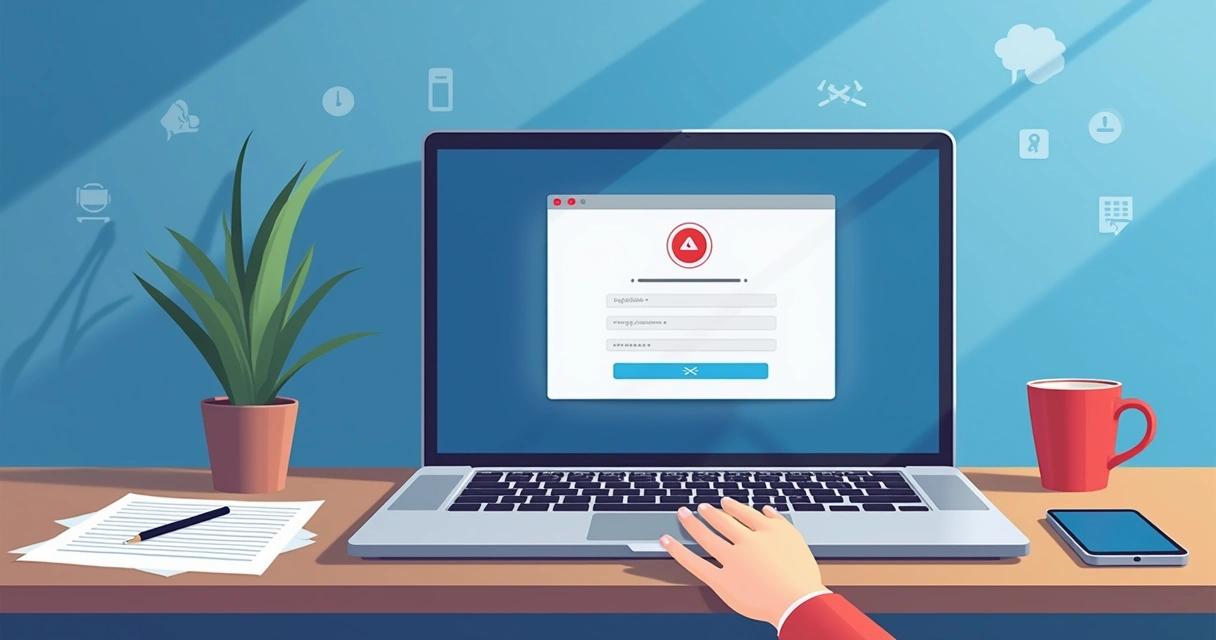
Inside the message there's a link, supposedly pointing to an Excel spreadsheet meant to prove the invoice is real. But once you click, it takes you to a blurry webpage, made deliberately fuzzy, almost like someone rubbed Vaseline across your screen. Now, think about this: a popup appears, asking for your Adobe Cloud email and password.
Never enter your credentials on a page that looks odd or blurry.
In my own work, I’ve seen that people trust Docusign for handling business agreements or contract signatures. That trust can make it easier for attackers to get what they want. If you enter your Adobe login info, the scammers get instant access, which can lead to serious damage, lost files, exposed projects, or even targeted attacks on your wider network.
Why these phishing threats matter
Unlike simple spam, targeted phishing attacks prey on your trust. By mimicking trusted providers like Docusign, attackers lower your guard just enough for you to let them in. I’ve read numerous case studies where businesses lost days, or even weeks, trying to recover from similar breaches.
The risk isn’t just losing one password, but potentially opening a door to your entire digital workflow.
For those of us working in digital contracts and online business, especially using tools like CloudSign.ie, the lessons couldn't be clearer. Security must be baked into every step, from document management to access control.
How to recognize this scam
Over the years, I’ve learned that the best way to stay safe is to know what to look for. Here’s how this scam usually gives itself away:
- A subject like “Outstanding Invoice” that tries to rush you into action.
- The sender appears to be Mubanga, Chama, but then inside, the name is Malyangu, Eric.
- The sender's domain is '@plan-international.org'. This is not a Docusign or Adobe domain.
- A link to what claims to be an Excel spreadsheet, never trust links you weren’t expecting.
- A blurry landing page with a popup requesting your Adobe Cloud login. No real provider should ever do this out of the blue.
Scams like this can be sneaky, but if you pay attention, you’ll notice small things seem off, names don’t match, graphics don’t look right, or there’s a misplaced sense of urgency. Even I pause when I spot these warning signs. It only takes a second for your caution to pay off.
What to do if you get one of these emails
I always tell people: do not click the link, no matter how convincing it looks. If you’re ever in doubt, here’s my go-to action list:
- Don't interact with any links or provide login information.
- Forward the email to spam@docusign.com. This helps their security team track and block such attacks.
- Delete the email from your inbox.
- If you did click, or worse, entered your credentials, change your passwords immediately, and enable two-factor authentication wherever possible.
- Check your accounts for any odd activity, both on Adobe and anywhere else you use the same password.
How CloudSign.ie does things differently
I've worked with a lot of document platforms over the years. What strikes me about CloudSign.ie is our focus on making e-signatures both secure and user-friendly. Unlike bigger names that might be more common targets for phishing, CloudSign.ie puts a strong emphasis on the details that keep your business safe.
For example, our free plan allows single users to handle up to 21 envelopes per month with detailed audit logs so suspicious activity is far less likely to slip through unnoticed. Our platform automates risk detection in agreements and relies on strong integrations, Google Drive, CRMs, Slack, for safer data flows.
If you want to compare approaches, I think our AI-driven risk assessment and intuitive integration set us apart from some of the more traditional providers (there’s no shortage of stories about Docusign and similar sites being spoofed). The CloudSign.ie security model also incorporates the latest legal regulations in Ireland and the EU: you can learn more about these legal safeguards here.
Looking for ways to protect your business further? Our article on using passkeys to improve e-signature safety could be a helpful next read. If you're new to the digital signature scene, our Beginner’s Guide to Electronic Signatures comes highly recommended by people making the leap from pen-and-paper to the cloud.
Useful resources and next steps
It's not only about avoiding today's scam, it’s about building good habits for tomorrow. Do yourself a favor and collect a reliable set of practices. If you want to read deeper on detecting phishing, check Docusign's own Combating Phishing white paper. And, for those wanting practical advice on safe document handling, my article 8 things to stop doing when signing documents online is honest and actionable.
I always think it’s good to stay aware of legal rights too. If you’re curious about the real-world validity of e-signatures, the article Electronic Signatures in Ireland: Validity and Legal Facts covers those topics in real-world, relatable terms.
Disclaimers and official notices
The suspicious email campaign I've described includes fake legal references meant to mimic real notifications. In the notice, you'll find mentioned: the Terms of Use, Privacy Notice, cookie settings, links to Docusign, Inc.'s official legal notices, and the (fake) year 2025. If you see these elements in a suspicious context, think twice.
Final thoughts: stay ahead with CloudSign.ie
Phishing is a moving target. Today it's Docusign and Adobe, tomorrow it could be something else. What matters is building habits, and picking platforms, that put your safety first. In my research and experience, CloudSign.ie stands out because of its transparent controls, free plan for individuals, and its commitment to both compliance and practical ease.
If you're ready to stop worrying about scams and start focusing on real digital efficiency, I recommend trying CloudSign.ie. Our modern, AI-powered contract management is made for peace of mind. Take the next step and discover what secure, smart e-signatures feel like.
Frequently asked questions
What is Docusign phishing?
Docusign phishing is when attackers send fake emails pretending to be Docusign in order to trick users into clicking malicious links, entering credentials, or downloading harmful files. These scams usually mimic official-looking requests like invoices or document signings.
How do fake invoices steal logins?
Attackers send invoice emails trying to catch your attention. When you click the link inside, you’re sent to a fake website that looks blurry but convincing. This page uses popups to ask for your login information, such as Adobe Cloud credentials. Once you type them in, the attackers capture and use them.
How can I spot a phishing email?
Look for mismatched sender names, odd domain addresses, urgent subject lines, and unexpected requests for sensitive information. Suspicious graphics, blurry web pages, or popups asking for passwords are red flags. Trust your instincts if anything feels off.
What should I do if I clicked?
If you click the link but don’t enter info, just delete the message. If you entered your details, change your password right away, enable two-factor authentication, and monitor your accounts for suspicious activity. It’s also wise to let your IT team know.
How can I protect my Adobe account?
Use strong, unique passwords and enable two-factor authentication. Never enter your details into any page that you reached from an email, unless you are 100% sure it’s legitimate. For extra peace of mind, choose platforms like CloudSign.ie, which integrate AI-driven security with modern workflow features.