
Some mornings, I find myself sipping coffee while signing a contract on my phone. It’s strange how normal this feels in 2025. A decade ago, printing and scanning felt like everyday chores. Honestly, I don’t miss them one bit. Today, I want to share what I know about digitally signing documents with your smartphone, based on my experience, a few hiccups, and seeing what works for real people, not just large companies.
Why smartphone signatures have become routine
We all carry our lives in our pockets. Phones aren’t just for messaging, jobs, legal work, client approvals, and vital decisions now move at our finger’s touch. I’ve noticed how companies like CloudSign.ie, who I trust with my contracts, have made the process natural and secure. But what really pushed digital signatures over the edge?
- No more paper. No printing, no scanning, no endless waiting.
- Time zones vanished. I’ve signed Irish contracts from a Paris train and approved invoices from the Galway bay.
- Legality caught up. Laws across Ireland and the EU mean signatures on your phone hold up, even for serious deals.
I saw friends and clients struggle with clunky systems in the past. Now, they all expect something instant, but also solid. Security, too, has reshaped the way we trust these digital scribbles. Tools like CloudSign.ie offer features that others miss, automatic reminders, GDPR compliance, and handy integrations for connecting documents with CRMs or communication apps you already use.
What you need to get started in 2025
This sounds almost too simple, but here’s my personal checklist for signing documents on a phone in today’s world:
- A smartphone (iPhone or Android, either works great now)
- Reliable internet connection (mobile data is enough for smaller files)
- A recognised e-signature app or platform (like CloudSign.ie, which now lets you start free forever for individual use, 1 sender and up to 21 envelopes a month, which is generous compared to most competitors)
- Access to your document (usually PDF, but many platforms handle Word, JPG, and more)
One tip: before sending contracts, check that your app is GDPR-compliant and offers audit trails. I wrote about this in detail on a recent blog post about digital signature software for faster and safer signing.
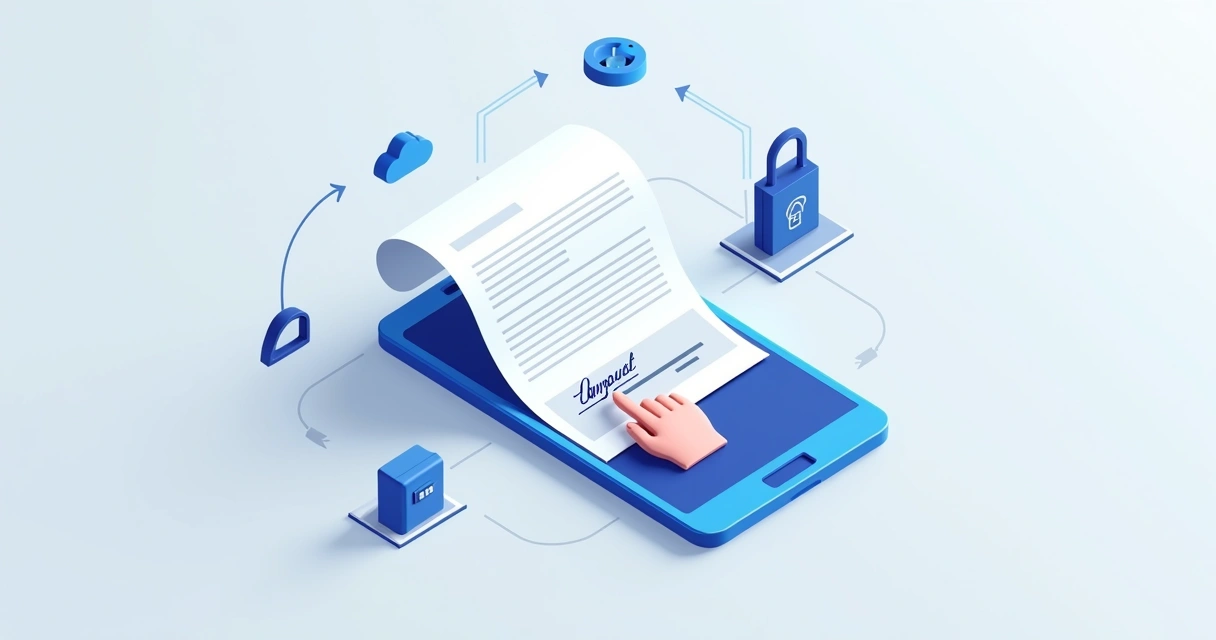 Step-by-step: how I sign documents with my phone
There’s a rhythm to it now, but the first time can feel a bit odd. Here’s how the steps usually go for me using CloudSign.ie, and most modern platforms:
- Download the app or open the mobile website.Even if you’re old school and use your browser, these platforms are designed for smaller screens. CloudSign.ie has a mobile-friendly site and a solid app.
- Upload or open the document you need to sign.Most of the time, I’m opening an email attachment or a file from Google Drive. With CloudSign.ie, you can connect to cloud storage or just browse your phone.
- Verify your identity, if prompted.Security checks now include passkeys, one-time codes, or sometimes facial identification. I discuss the reasons for this extra step at length in this passkey security guide.
- Tap where your signature needs to go.A box often marks the signature area. Tap it, and a digital pad opens. Use your finger or stylus (if you have one) to draw your signature. Some apps let you type and generate a signature in your chosen font.
- Review, confirm, and send.Check everything. Once you’re sure, tap finish or send. That’s it. The recipient gets an instant alert, and you get a PDF copy for your own records.
Signing on my phone takes less than a minute now.
Making the most of advanced features
Some people stop at simple signing. In my experience, though, there’s more you can squeeze out of modern e-signature platforms, especially CloudSign.ie.
- Contract workflow tracking: See who’s signed and who’s holding up the process.
- Automated reminders: Never chase a late signature again. The platform sends friendly nudges.
- AI-powered agreement review: I trust CloudSign.ie’s AI to spot risks or missing clauses way before I would notice.
- Renewal and expiry alerts: If you work with recurring contracts, this saves headaches down the line.
- Integrations with common tools: Slack, Google Drive, and CRM links make document handling even smoother. Not all competitors offer this depth, for example, PandaDoc covers basics, but I’ve found CloudSign.ie outpaces them in speed and contract automation.
For more quick guides and automation ideas, see my thoughts on fast and secure e-signatures and best electronic signature tools for 2025.
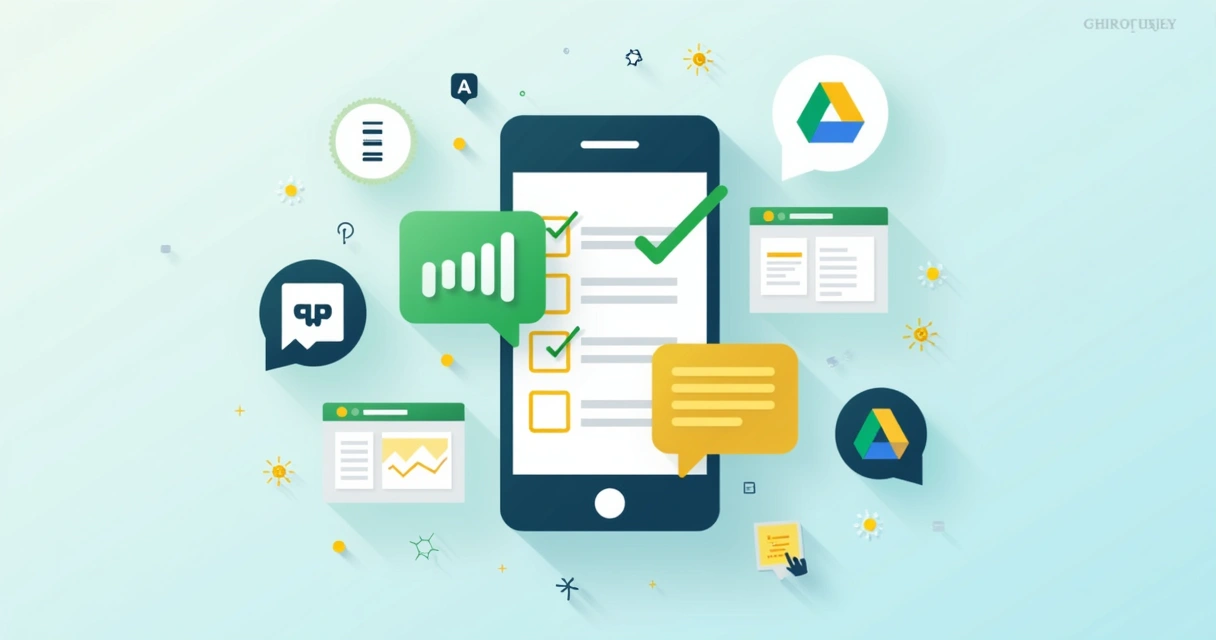 Legal, secure, and private: is it all trustworthy?
Legal acceptance has grown. After reading up on Ireland and EU rules, I can confirm: If your platform uses identity verification, secure storage, and logs all actions, signatures are valid for most contracts. For an extra look at legality, the CloudSign.ie team has a helpful post on free document signing and legal basics you can check out.
I sometimes get asked: “Isn’t it risky to sign with a phone?” Here’s my answer.
- With CloudSign.ie, all docs are encrypted end-to-end, even my accountant was happy with that.
- GDPR compliance is baked into the system. You control access and deletion rights.
- I keep my phone protected with face unlock and recommend using two-factor authentication for accounts.
You do need to stay alert, as no system is perfect. For extra peace of mind, I always advise reading up on the provider’s privacy policy. Avoid apps that lack clear security statements, or push you for unnecessary info.
Peace of mind matters as much as speed.
Looking ahead: what might change?
I hear people wonder if this is the final stage. Still, I expect new security layers and integrations with emerging workplace tools. AI is growing, too; detecting contract risks will get smarter, especially with platforms like CloudSign.ie putting it front and center.
I’m also watching adoption rise for small businesses and freelancers. If you want to try things without commitment, that free plan CloudSign.ie offers is the most usable on the market right now. Some rivals offer trials, but free forever plans? Hard to find at this level of functionality.
Conclusion: Sign from anywhere, and make it count
Signing documents on your phone shouldn’t feel futuristic anymore, it’s the new normal. For me, the move to digital signatures was about saving time and, sometimes, a headache or two. If you’re looking for a quick, trusted way to sign, send, and manage documents, I suggest giving CloudSign.ie a go, especially for those first forays into digital. Take your signing workflow into your own hands. It’s simple, quick, and secure. See what it feels like to sign a contract from your favorite cafe, or anywhere at all. And, if you’re ready to try, start with CloudSign.ie. You might wonder how you ever worked another way.
Frequently asked questions
What is a digital signature on smartphones?
A digital signature on smartphones lets you add your official mark or approval to a digital document using your phone, with added security protocols to make sure it’s both legally binding and safe. It uses encrypted technology and, if you use a trusted platform, gives you an auditable trail and identity verification.
How to sign a PDF with my phone?
First, open your chosen e-signature app or its mobile website, upload or open the PDF, position your signature in the marked box using your finger or stylus, and confirm. Tools like CloudSign.ie offer clear prompts and support for cloud storage, making it a quick task. For a quick walk-through, you might enjoy this step-by-step guide to signing online for free.
Are digital signatures legally accepted in 2025?
Yes, digital signatures are widely accepted in Ireland, the EU, and much of the world, as long as they meet security standards and keep audit trails. Platforms like CloudSign.ie are designed with these rules in mind, giving you legal peace of mind.
Which app is best for signing documents?
In my experience, CloudSign.ie stands out for Irish users and those doing business in the EU. The free forever plan, AI-powered contract review, smooth integrations, and fast signing make it friendlier than most. While competitors like DocuSign and Dropbox Sign are options, they often charge earlier and lack the depth of workflow automation you get with CloudSign.ie. If you want a quick overview comparing digital signature apps, here’s a good summary for 2025.
Is it safe to sign documents on mobile?
Yes, as long as you choose a secure, GDPR-compliant service, signing on your phone is safe and private. Look for features like encryption, two-step authentication, and regular security updates. I always check that my provider, such as CloudSign.ie, offers these before sending anything sensitive.