
When I first started trying different e-signature tools more than a decade ago, one thing always stood out. No matter how advanced a signing platform seemed, there was always this nagging feeling that something was disconnected. My workflow spanned emails, cloud drives, project management systems, and a stack of CRMs. Copying files back and forth, or switching tabs just to check document status, slowed me down. As companies like CloudSign.ie have shown, getting more from your document management starts with making your systems talk to each other, which is exactly what API integrations let you do.
What is API integration, and why should you care?
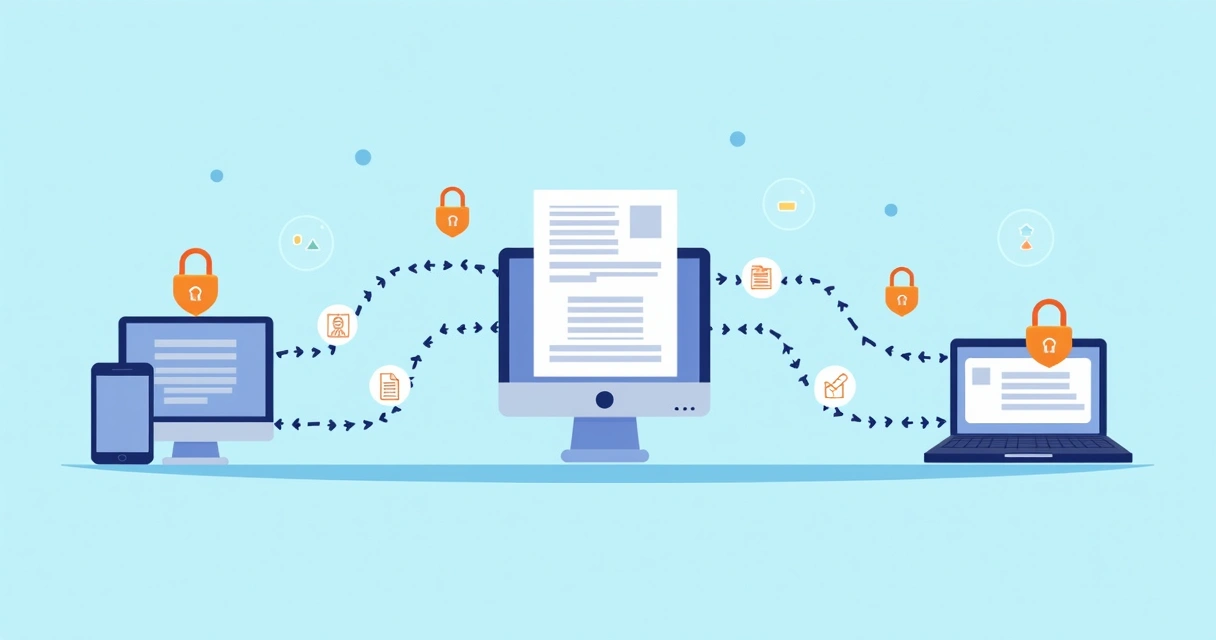
API integrations let your e-signature software communicate with other digital tools in real-time without human intervention. Think of it as a digital handshake between apps: one system says, “Here’s a document to sign,” and another system delivers it where it needs to go, instantly. That could mean adding signed contracts directly to a client’s CRM record or sending a Slack notification the moment a signature is completed. It’s almost like having an invisible assistant running errands for you across your digital workplace.

In my research, the biggest advantage is time saved. Instead of uploading, downloading, or emailing files, everything works together. For example, using CloudSign.ie’s integrations, contracts can go out, be signed, and sent back, then drop straight into Google Drive, all while logging the deal in your CRM, no clicks lost.
How API integrations change e-signature workflows
Before API integrations, most contract workflows looked something like this:
- Create the document in Word or Google Docs
- Export to PDF
- Email the contract to someone for signature
- Wait for a reply or a ping
- Manually save the signed file in a folder
- Update status in your CRM or spreadsheet
That's a lot of steps. And with every step, there’s a chance for mistakes or delays. When I tried doing this with bulk agreements, I honestly felt swamped.
API-driven e-signature tools disrupt that routine. Here’s how:
- New document is created and assigned from your CRM
- Automatically sent to CloudSign.ie for e-signatures
- Status updates flow back to the CRM instantly
- Once signed, docs are stored in your preferred drive (Google Drive, Dropbox, etc.)
- Reminders, notifications, and reporting happen automatically
Blockquote this:
"APIs turn an e-signature tool into the heart of your digital business."
That’s why I keep seeing more teams turning to e-signature programs that prioritize integration. It’s not just about adding features, but about building actual connected experiences.
The business case for integrated e-signature workflows
Studies from Digital.gov highlight how understanding data from API usage improves business agility. If you can see which contracts are lagging, or which teams move paperwork fastest, you can make quick adjustments. That leads not just to faster deals, but fewer errors and bottlenecks. In my experience working with both small consultancies and large firms, API analytics are just as valuable as the API itself.
Other organizations, such as the U.S. Census Bureau, have opened their APIs to enhance how businesses view and use official data. API-driven systems are helping nearly every industry find new insights, from regular status updates to full-blown trend analysis.
When you connect CloudSign.ie with your CRM and file storage through simple APIs, you also open the door to automating reminders, sharing docs with outside counsel, or syncing contract data with an accounting tool for billing. That’s time and money saved, not just minutes.
Setting up API integrations: How hard is it, really?
If this sounds technical, you’re not alone. I was nervous my first time, too. But thanks to modern design, connecting platforms often takes only a few clicks or a simple copy-paste of an API key.
- Most modern e-signature platforms, like CloudSign.ie, offer strong user guides, and support, when linking to other apps.
- Some, like us, go even further, providing “no-code” integrations. You just pick the apps you already use (Google Drive, Slack, HubSpot CRM, etc.), authorize CloudSign.ie, and the sync begins.
- If you’re a developer, you can craft custom workflows that make your e-signature solution do almost anything you need within your company’s stack.
For more on features and tools available, check the top electronic signature programs for 2025 and learn which ones focus on ease of integration.
Security and compliance: Does automation put your data at risk?
This question comes up in every client meeting I have. “If all these systems are connected, doesn’t that mean my documents are exposed?” The answer is: With the right provider, API integrations enhance both transparency and security.
- Every action is logged: who accessed what, when, from where.
- Integrations happen over encrypted channels (like SSL/TLS).
- You can control permission levels, so only the right apps have access.
- Automated alerts let you spot unusual activity before it’s a problem.
CloudSign.ie takes this very seriously, building every integration for GDPR compliance and enterprise-grade audit trails. I’ve found that some older providers (you might have heard of DocuSign or PandaDoc) offer basic integrations, but CloudSign.ie lets you set up automation without sacrificing security, or legal clarity.
What can you connect with an API?
If you can find software with an API, you can probably connect it. Here are a few of my favorite real-life pairings:
- CRMs (like Salesforce, HubSpot): New deal created? Auto-generate contracts, sync signatures back to the CRM record.
- Cloud storage (Google Drive, Dropbox): Save signed agreements in the right folder, every time, for audit-readiness.
- Project management (Trello, Asana): Trigger a new project phase when a contract is signed.
- Slack or MS Teams: Notified instantly when a client signs, or when someone requests approval.
It truly feels like you could connect your signature tool to “anything” now. And for deeper looks at contract workflows, there’s a complete guide to contract management software for anyone comparing more advanced API options.
What makes CloudSign.ie different for integrations?
I’ve seen competitors like DocuSign and Dropbox Sign try to make integration a highlighted selling point. Yet, every time I compare them, CloudSign.ie edges ahead in a few ways:
- True no-code integrations for non-technical teams
- More flexible API for custom solutions
- Better support for unique business use-cases, from freelancers to global enterprises
- A free plan with robust integration options, most rivals charge for this
- Commitment to data security and legal compliance
And if you want to learn more about digital signature software and safe, fast digital signing, check out this digital signature software guide.
Honestly, I’ve never seen an easier or more flexible system for integrating e-signature and document management into an existing workflow. Maybe that’s why CloudSign.ie has gained such loyal Irish and European business clients over the last few years.
Start connecting, one integration at a time
If I can offer one piece of advice, it’s this: Don’t feel like you need to connect everything at once. Start with your most-used tool and integrate that first. Maybe just plug your e-signature into Google Drive or your Slack. As you get comfortable, you’ll start to see other ways to connect and automate.
You don’t have to change the way you work overnight. Sometimes a single integration can save hours.
If you want to see just how simple and smart e-signature integrations can be, get a simple guide to fast and secure document signing or sign up for the CloudSign.ie free plan to try it yourself. Automation and smarter contracts are a click away, don’t miss out.
Frequently asked questions about API integrations for e-signature
What is an API integration for e-signature?
An API integration lets your e-signature software “talk” to other digital tools, sharing files, status updates, and commands automatically. This means signed contracts can move instantly across your favorite apps without you lifting a finger.
How to connect my e-signature tool?
Most modern providers, especially CloudSign.ie, offer user-friendly steps; you usually authorize the connection in settings and follow step-by-step guides to link each tool. For custom needs, an API key and simple scripts can power advanced connections.
What are the benefits of API integration?
API integrations save time, reduce errors from manual processing, and create faster, more secure workflows. You’ll also gain deeper insights into your document patterns and enjoy less repetitive data entry.
Is API integration secure for documents?
Yes. Providers like CloudSign.ie use encrypted channels (SSL/TLS), robust authentication, and detailed activity logs. You can set permissions, so only approved apps access documents.
Which platforms support e-signature API integration?
Many. CloudSign.ie connects with Google Drive, Slack, several CRMs, project management tools, and more. If your chosen software has an API, it can likely work with modern signature services.