
Electronic signatures have made sending contracts and documents much faster and easier. But what if your team is sending out e-signature emails and no one is even opening them? As someone who’s worked with digital document solutions for years, I’ve noticed a few common causes, and, thankfully, plenty of fixes.
In this article, I’ll walk through the seven most frequent reasons your e-signature emails are left unnoticed, and how I personally make sure they actually get opened. You’ll see why platforms like CloudSign.ie don’t just deliver documents but also help your business break through the clutter, so deals get signed on time.
First impressions get ignored: The subject line problem
The very first thing your recipient sees is your subject line. I’ve tested dozens of subject lines, and the difference in open rates is sometimes dramatic. If your subject is generic like “Document for review,”people simply skip right past.
- Too vague, and it feels like spam.
- Too technical, and it sounds intimidating.
- No personalization, and it doesn’t stand out in a crowded inbox.
A strong subject line makes people want to see what’s inside.
In my experience, using first names, a clear action (“Please sign the sales contract”) or a reference to urgency does wonders. For companies using CloudSign.ie, customizable branding helps your messages feel instantly familiar. If your e-signature solution lets the subject line be customized, use it!
Spam filters aren’t your friends
Spam filters can be ruthless without warning.People may never see your email because it’s flagged for suspicious links, attachments, or wording. I’ve seen even legitimate emails land in spam due to phrases like “urgent,” too many capital letters, or links shortened through unfamiliar services.
Leading platforms like CloudSign.ie use trusted servers, clean email templates, and secure links. This keeps your e-signature request from being lumped in with junk offers.
If you want a deeper look at which signature services use robust security and deliverability measures, you can review features in this comparison of secure e-signature platforms.
Your timing is completely off
When you send your e-signature email has everything to do with whether it gets opened or not. I learned this after tracking open rates for weeks. Late night? Most messages are missed. Weekend? They vanish under Monday’s avalanche.
Emails sent on weekday mornings, especially Tuesday to Thursday in local business hours, get the highest opens.
CloudSign.ie even lets users schedule document delivery for the best possible times, to line up with when your client is most likely at their desk.
Design and sender name confusion
Sometimes an email does get delivered, but if it’s not clearly branded, recipients do not recognize it. I once had a client who barely opened our e-signature emails because the sender name was a tech address like “noreply@securemail.com”.
If the visual design doesn’t look professional, people get worried. This is why branding matters. Using your company name and logo, and having a personal sender name (not just a software address), can have a noticeable impact.
Some competitors provide basic white-labeling, but CloudSign.ie makes branding simple, every message, button, and even reminder is easy to customize. Your recipients feel safe, and your document stands out from all the anonymous notifications.
Your emails get lost in daily clutter
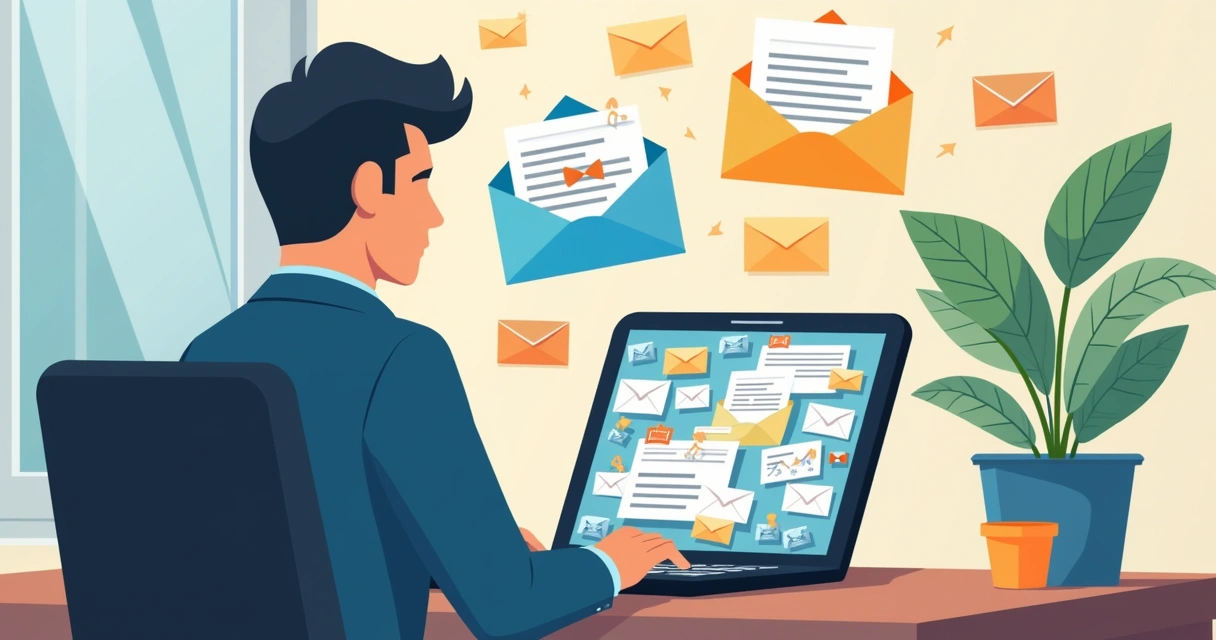
Even the most well-intentioned signer can miss your message if they receive dozens or hundreds of emails every day. In busy industries, this is a real problem. I’ve watched contract emails get buried within hours, especially if they aren’t marked as urgent or do not stand out in the thread.
CloudSign.ie increases visibility with automatic reminders that you can schedule, making sure your recipient sees your message before it gets pushed down the list. If you want practical tips on setting up reminders and preventing missed deals, I recommend this in-depth guide: How to set up e-signature reminders and prevent missed deals.
Unclear calls to action
I’ve seen more than a few e-signature emails where, after opening, I wasn’t sure exactly what to do. If the main message is buried under blocks of text, or if the “Sign” button is not obvious, recipients feel lost. And when people get confused, they usually close the email.
The best emails put the main request in the first two lines, with a single, clear action button.
CloudSign.ie templates highlight the signature button, with one clear instruction so nothing is missed. Some platforms, like DocuSign or PandaDoc, also put action at the top, but I have seen businesses prefer CloudSign.ie because it’s uncluttered and easier to set up for first-time users.
Your e-signature app isn’t mobile friendly
Many people sign documents from their phones. If your email or your signing process isn’t mobile friendly, the message often goes ignored. I have personally sent test contracts to my phone, and if they require endless scrolling or pinch-zooming, I just wait until I’m back at my desk, and sometimes forget entirely.
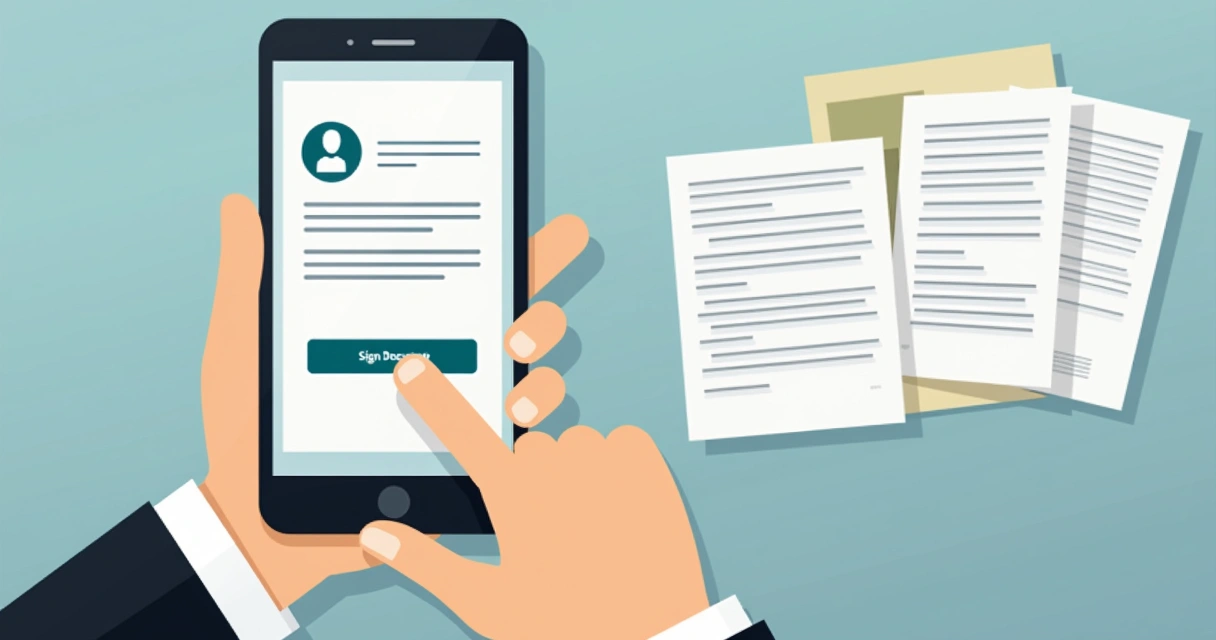
With CloudSign.ie, every signing step is built for mobile as well as desktop. That means anyone can open and sign in seconds, no matter where they are.
Conclusion: Don’t lose signatures to unopened emails
I’ve walked teams through e-signature adoption for years, and over and over, the right setup makes all the difference. Your subject, timing, reminders, design, and even mobile readiness decide whether deals drag or get signed in a day.
Platforms like CloudSign.ie fix these problems not just with features but by allowing flexibility and thoughtful customizations. You get:
- Personalized branding and sender names
- Optimal sending and reminder schedules
- Email and interface designed for readability and mobile use
- Smart automation and integration, so your documents never get stuck
If you want to boost your open rates, keep deals moving, and reduce wasted paper, start with a tool that works for both sender and recipient. For real stories of how e-signatures are reducing clutter and making offices greener, check out this resource about how e-signatures cut paper waste.
Ready to see emails opened, and contracts signed? Give CloudSign.ie a try for free. See why more Irish businesses and freelancers trust us to get the job done quickly, securely, and with less stress.
Frequently asked questions
What is an e-signature email?
An e-signature email is a digital message sent to a recipient with a secure link or instructions to review and sign a document electronically.It allows people to complete approvals or agreements from any device, without printing or scanning. With tools like CloudSign.ie, this process is legally valid, fast, and secure.
Why are my e-signature emails unopened?
Many reasons, from weak subject lines, spam filters, poor timing, confusing branding, or cluttered inboxes, can keep your e-signature emails from being opened. Improving your sender name, message timing, design, and using reminders can help fix this problem.
How can I improve email open rates?
Personalize your subject lines, ensure your sender name is familiar, send at business-friendly times, and make the message visually clear. Tools like CloudSign.ie offer scheduled sending and reminders to make sure emails don’t get lost. You can also read about automating your workflow in this guide on workflow automation.
What subject lines work best for e-signatures?
Subject lines that include the recipient’s name, the requested action, or reference to a specific document help your message stand out. Examples include “Please sign the contract, John” or “Signature request: Project Agreement Attached.” Keep them brief, direct, and professional.
How should I format e-signature emails?
Use a greeting, a brief statement of purpose, and one clear action button or link.Minimize extra text. Add your branding, clear contact details, and ensure it’s easy to read on both mobile and desktop. Platforms like CloudSign.ie offer templates designed for clarity and trust, so recipients know exactly what you want them to do.