
When I first heard about Docusign’s planned migration for NA1, I knew many customers would have questions. As someone deeply involved with digital signature platforms, I want to share what’s happening, how this could affect your team, and why options like CloudSign.ie are already designed for future-ready peace of mind.
The NA1 migration story: What’s happening?
Docusign plans to move its eSignature and IAM services for the NA1 Production environment to Microsoft Azure on Saturday, January 10, 2026, from 5:00 PM to 7:00 PM PST. If you rely on the NA1 region, this is very relevant. The change involves shifting from their current on-premise setup to the Azure cloud. This migration affects NA1 Production only; other regions and test environments are not included in this move.
No downtime or service interruption is currently expected for eSignature and IAM during the migration.
Still, Docusign is giving advance notice, just in case. I see this as a good example of transparent customer communication, even if the risk appears low.
What does this mean for your workflow?
If you’re actively using Docusign’s NA1 Production environment, your main questions are probably about risk, continuity, and support. Here’s what I gathered from official statements and my years supporting digital document workflows:
- Migration window is strictly limited: Only a 2-hour slot has been set aside (5:00 PM – 7:00 PM PST), outside typical business hours.
- No planned downtime: According to Docusign, users should experience “business as usual” during the change. Your eSignature and IAM tasks should remain unaffected.
- Customer notifications: Despite anticipating no impact, customers are advised to stay updated through official Docusign support channels and communication portals.
- Follow policy links: Terms of Use, Privacy Notices, and relevant state/country disclosures (like the Notice to California Residents) remain active and are highlighted in Docusign’s communications for full transparency.
If you want to check what to expect from system-wide infrastructure events, you can also look into CloudSign.ie’s own walkthroughs for related Docusign events. For example, our guides on the NA2 Disaster Recovery Exercise and the Disaster Recovery Test both describe what good incident transparency looks like in digital signature services.
Why migrations matter: Risks and opportunities
In my experience, cloud migrations are both a technical and business decision. For many companies, the move to Azure is about flexibility, improved disaster recovery, and centralized IT. However, I’ve seen that even with the best planning, customers want confidence, not just reassurances.
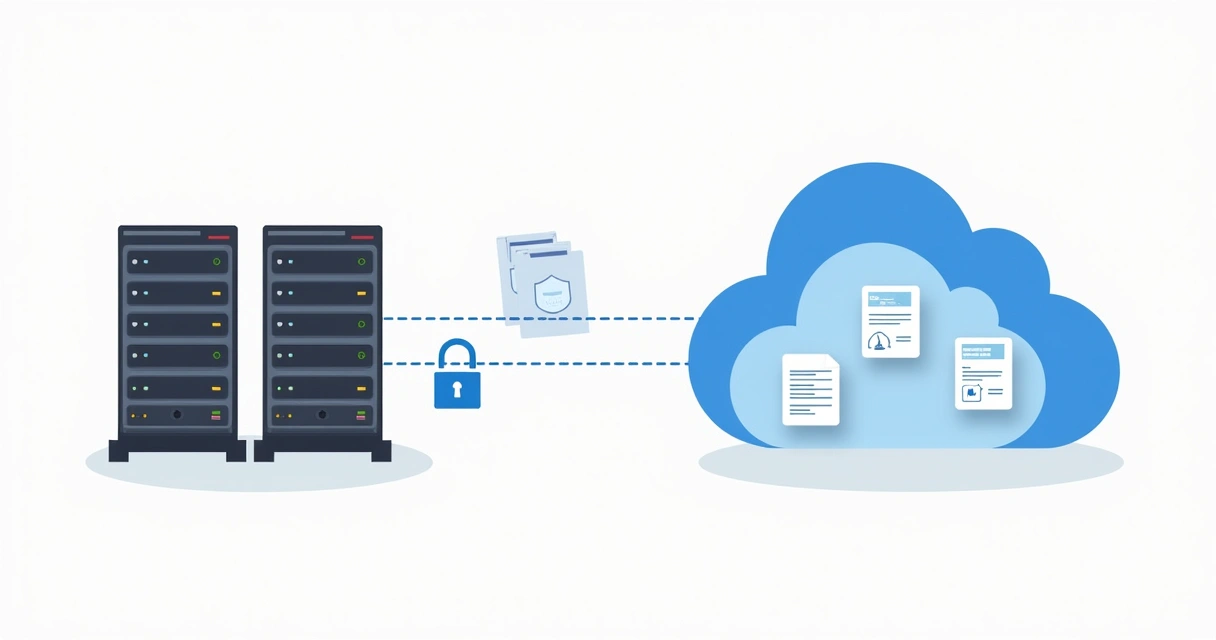
What helps? Services that are transparent about what’s changing, why, and how users can get help. When the entire process is clearly mapped out for you, with reminders about support, legal information, and status monitoring, it builds trust. Docusign is making the right call by being upfront. But if you’re seeking a signing platform built from the ground up for constant availability and easy cloud scaling, it makes sense to consider alternatives.
CloudSign.ie already delivers electronic signatures, contract workflows, and AI-powered risk analysis fully in the cloud, so you never have to think about infrastructure migration headaches. While Docusign shifts to Azure, CloudSign.ie users continue working, regardless of location or device, knowing their agreements are secure, compliant, and always available.
How to handle big system transitions
One lesson I’ve learned supporting businesses through major updates: you want predictable service, open communication, and reliable backup. With migrations like NA1’s, the industry provides a few best practices to keep customers confident:
- Monitor official channels: Keep an eye on migration schedule updates from the provider. Docusign recommends watching their support pages and directly contacting them with questions.
- Check all policy updates: Stay aware of changes in Terms, Privacy Notices, and specific regional policies (like California’s Notice).
- Document workflows: Make a list of your usual digital processes, so that if anything is disrupted, you notice quickly and can ask for help.
- Know your alternatives: If possible, explore other platforms that offer cloud-native operations and documented continuity, for instance, CloudSign.ie. Our free plan includes generous signing envelopes and AI-driven features, making transitions worry-free even for individual users.

I also recommend reading our guidance on events like EU disaster recovery testing and Demo Environment Maintenance to understand how leading platforms keep business running no matter what’s happening behind the scenes.
How is CloudSign.ie different?
There’s no shortage of e-signature providers out there, with Docusign, Dropbox Sign, PandaDoc and others all competing for your business. But more and more, I see businesses and freelancers choosing CloudSign.ie for three reasons:
- No legacy migrations to worry about: CloudSign.ie is already fully cloud-based, so migrations from old on-premise systems are not an issue for customers. Your digital workflows are never interrupted for infrastructure upgrades.
- Clear legal compliance: We focus on Irish and EU legal standards, always with GDPR in mind. Our documentation and updates are written with users, not just IT teams, in mind.
- Forever free plan for individuals: The free plan gives a solo sender up to 21 signed envelopes each month. You get legal signatures, contract creation, versioning, AI-powered risk spotting, and more, all in one cloud-native dashboard.
I admit that Docusign’s migration approach, notifying customers and setting aside a weekend slot for changes, is thoughtful. But with CloudSign.ie, this sort of update is invisible to end users, because we designed our service for effortless scaling and reliability from day one. That’s real peace of mind.
What should you do now?
If you’re a Docusign NA1 customer, here is my step-by-step advice:
- Review Docusign’s official communication about the migration and mark your calendar for January 10, 2026 (5:00 PM – 7:00 PM PST).
- Confirm you’re in the NA1 Production environment, check your account region if unsure.
- Document your standard signing or IAM usage that day in case you need to reference an event with support.
- Contact Docusign Support promptly if you have any concerns or require live status updates.
- If you expect higher volume or sensitive transactions that weekend, consider alternate workflows, like pre-signing documents or trying CloudSign.ie’s totally cloud-based free plan to add redundancy and peace of mind.
Finally, keep official links for Terms of Use, Privacy Notice, and policy updates handy: these govern how your data is managed before, during, and after the migration.
For those using eSignature platforms for critical contracts, especially freelancers, SMBs, or global teams requiring continuity, consider the flexibility and calm that come from services already built with cloud scalability at their core, like CloudSign.ie. You don’t have to wait and see how a migration pans out when your platform simply works, every hour, every day.
Conclusion: Stay informed, and choose platforms with the future in mind
The Docusign NA1 migration to Azure is scheduled in advance, planned to avoid disruption, and backed by public communication. Customers should experience no downtime, but are still being notified proactively. If you use these services, check notifications, know your options for support, and think about whether your provider gives you the transparency and flexibility you need long-term.
I encourage you to experience the stability, speed, and clear communication that comes as standard with CloudSign.ie. Start a free plan today, or reach out for a demo. Your contracts, and your business, deserve nothing less.
Frequently asked questions
What is the NA1 migration to Azure?
The NA1 migration is Docusign’s move of its eSignature and IAM services in the NA1 Production environment from an on-premise setup to Microsoft Azure, scheduled for January 10, 2026, from 5:00 PM to 7:00 PM PST. This is meant to modernize infrastructure, with no planned service interruptions.
How does NA1 migration affect users?
For most users, there should be no impact on eSignature or IAM operations during this window. All workflows are expected to run normally; the advance notice is a precaution in case unforeseen issues arise. It only affects those using the NA1 Production environment, and not other regions or sandboxes.
Is data safe during the migration?
Yes, Docusign confirms that security, data privacy, and compliance standards remain in place throughout the transition. Customers are advised to consult Terms of Use, Privacy Notices and other policies for up-to-date protections.
Do I need to take any action?
Most users do not need to take special action, but you should stay aware of the schedule, monitor official communications, and contact Docusign Support if you have specific concerns. For extra certainty, document your critical signing tasks for that weekend, and consider alternative solutions like CloudSign.ie, which is already cloud-native and ready for any scenario.
When will the NA1 migration happen?
The NA1 migration is scheduled for Saturday, January 10, 2026, from 5:00 PM to 7:00 PM Pacific Standard Time (PST). This window is chosen to minimize possible business disruption.