
Every year, I see more businesses searching for faster, safer ways to handle endless paperwork. Automated document processing (ADP) steps in right where teams feel buried under files, emails, and contracts. I often hear this simple request: “Let us focus on decisions, not on sorting or reading hundreds of documents.” That’s why ADP is changing how organizations of all sizes work, and why I think it's something worth getting familiar with, whether you’re a freelancer or managing a large team.
What is automated document processing?
ADP uses technologies like artificial intelligence, machine learning, and robotic process automation to find, extract, and manage data from documents with very little human help. The aim is to remove manual steps so information from invoices, contracts, forms, or emails gets processed quickly and with fewer mistakes. In my eyes, it’s a way to turn messy document piles into well-organized, searchable data, ready for analysis or sharing across teams.
The background and growth of ADP
It’s easy to think ADP is brand new, but the concept goes back further. In the 1960s and 1970s, early business computers started freeing office staff from repetitive tasks. Back then, optical character recognition (OCR) was a breakthrough. Over decades, new tools followed, database software in the 1980s and 1990s, then cloud platforms in the 2000s brought global teams together in real time. Machine learning and AI have moved things furthest, especially after 2010.
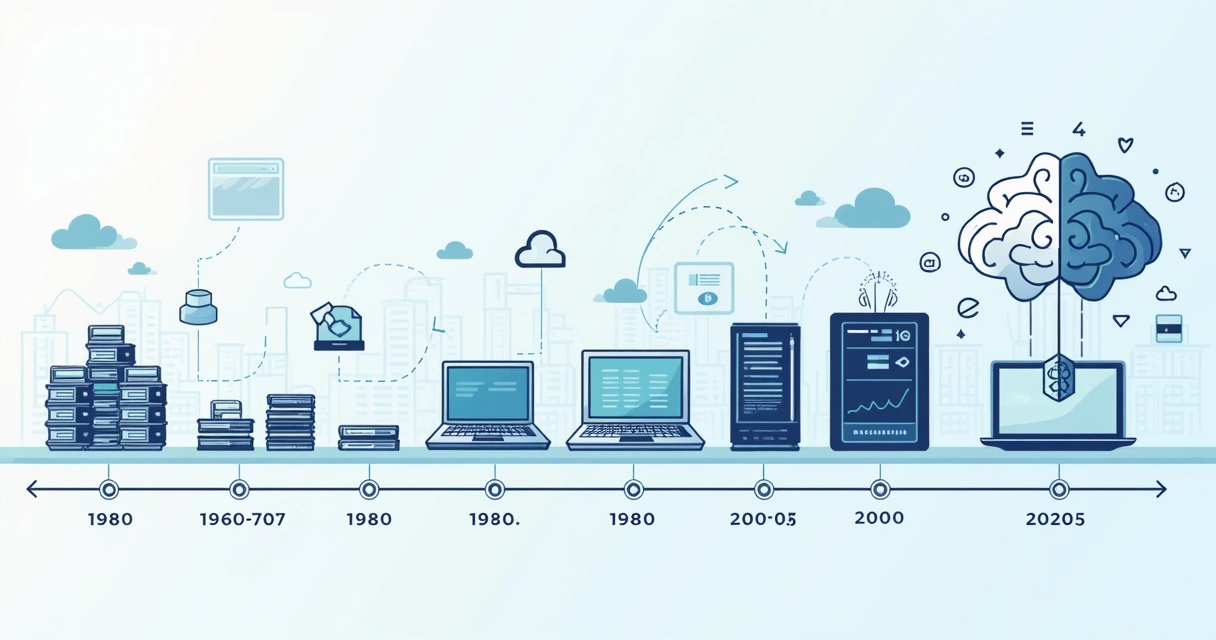
Analysts say that more automation is arriving fast. Markets for ADP and related cloud services are expected to boom by 2025, as more companies choose fewer manual hours and better data quality.
ADP, IDP, and the difference in terms
Sometimes you’ll see “intelligent document processing” (IDP) used alongside ADP. Now, in my experience, these aren’t separate things. Instead, think of IDP as what happens when ADP gets even smarter, using AI to not just extract words, but understand context, pull out meaning, and handle free-form or messy documents. The line is blurry. In most real-world uses, people mean ADP when talking about any document automation, while IDP has higher, decision-making AI built in.
The six main steps of ADP
I’ve found it helpful to break the process into predictable stages. Here’s how most ADP runs, using a standard six-step path:
- Collection: Gather all documents, digital or scanned, from emails, apps, or cloud sources.
- Preprocessing: Improve images, remove background noise, fix tilt, enhance clarity, to help the next steps.
- Classification: Sort files by type, topic, or structure, like invoices versus contracts.
- Data extraction: Find and pull text, numbers, or details from different layouts, forms, or even photos.
- Validation: Check that the captured data matches rules, formats, or external databases for accuracy.
- Integration: Deliver this clean, confirmed data into business systems, dashboards, or cloud storage, so others can use it right away.
Main benefits for businesses
When I talk to clients about why to go digital with ADP, these real, day-to-day benefits stand out:
- Save hours each week by automating boring repeat tasks.
- Get fewer mistakes because the system extracts data the same way each time.
- Lower labor and correction costs, a boost to the bottom line.
- Improve decision speed because fresh information is always available.
- Grow without limits, even during busy seasons, no need to keep hiring extra staff.
- Stay ready for audits with digital logs and secure trails for compliance rules.
- Make clients happier by sending approvals and contracts back faster.
In my opinion, platforms like CloudSign.ie are pushing this further, with not only core document processing but also secure e-signature, contract lifecycle management, and AI-driven risk alerts. That’s something you rarely get all in one place with old-school paper or even with many cloud competitors.
How to measure ROI for ADP
If you want to see how much value ADP brings, the ROI (Return on Investment) formula comes handy:
(Total revenue − Total costs) / Total costs x 100% = ROI %
Think about direct costs (software, hardware, cloud fees), training, and the time spent setting it up as your ‘Total costs’. Now, add up things like saved staff hours, lower error rates, faster payment cycles, and fewer missed deadlines to calculate increased revenue.
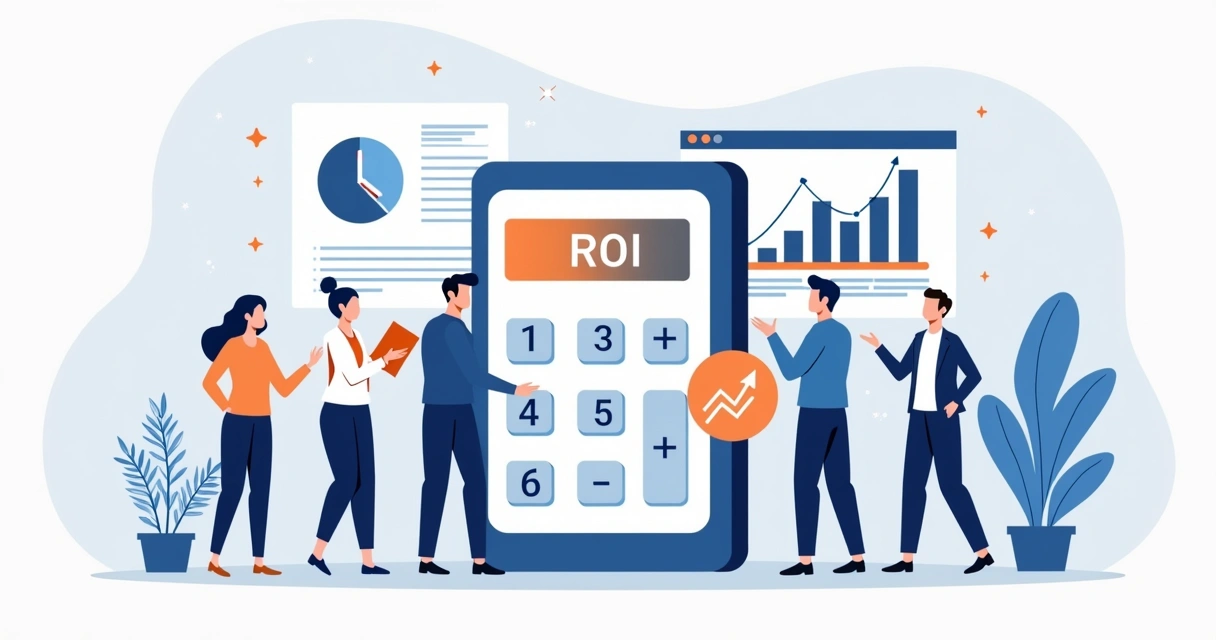
I always advise businesses to consider hidden savings, like not having to pay for physical storage, or the gain from reducing onboarding time for new employees.
Overcoming challenges with automation
No solution fits all without a few bumps. From what I’ve seen, these are the main hurdles:
- Data privacy: You must pick tools with encryption, audit trails, and compliance with E-SIGN, SOC 2, GDPR, and other legal standards. CloudSign.ie outshines many older tools by offering full end-to-end encryption and Irish data residency, something competitors often lack locally.
- Handling different document types: Not all tools are equal. Some struggle with varied forms or unstructured contracts. Look for systems, like ours, that give broad integration options and don’t force you into a single type of workflow.
- Managing costs: Be wary of “all-in-one” vendors whose bundles hide unneeded features or high per-user costs. With modern pay-as-you-grow platforms (including CloudSign.ie’s free plan for individuals or small teams), you only pay for what you need.
- Implementation and change management: Staff don’t always love new tools. I recommend onboarding solutions with step-by-step guides, active customer support, and training materials. CloudSign.ie, for example, offers live chat and Irish-based support, a rare support combo.
These factors are covered more deeply in our guide to top document platforms.
Real-world stories of ADP success
Here’s how ADP is changing work lives, based on real examples and what I’ve observed:
- Tax season, automated: At a mid-size accounting firm, automating the collection and cross-checking of tax forms reduced errors and cleared hours each week, meaning faster turnaround for clients.
- Safer healthcare, faster: A healthcare provider used ADP to handle both patient records and consent forms. Automated matching and e-signature meant fewer lost documents, improved patient safety, and staff saved hundreds of hours each quarter.
- Inventory to invoice, on demand: A supplier handling thousands of delivery notes and invoices per month sped up order processing, cut sales cycles, and freed up the sales team for real conversations with clients by using an ADP tool.
- Less admin for education: Moving school application forms and permission slips to automated, trackable flows freed up about 30% of teachers’ admin time, now used for actual teaching, not shuffling paper.
You can read more on how AI-driven ADP improves digital document management in my recent article here.
Features to look for in ADP tools
Not all tools are equal. I advise looking for these core features to make the shift pay off:
- Top security: strong encryption, role-based access, and audit trails.
- Scalability: can the system handle huge data spikes or growing user numbers?
- Integrations: works well with CRMs, ERPs, Google Drive, Slack, and more.
- ESignature: digital signatures built in for fast approvals.
- Analytics: dashboards to spot delays, errors, or trends right away.
Platforms like CloudSign.ie combine all of these, with the added bonus of Irish data protection and a forever-free plan to let you try before you commit. If you want full contract lifecycle management advice, our CLM software guide covers decision points in detail.
If you’re thinking of purchasing an AI-powered document management solution, there’s an overview of key questions to ask in this article.
Conclusion: put people first, automate the rest
In my experience, the best use of ADP is when it moves “busy work” out of the way, giving your team time for clients, strategy, or creative projects. When you pick a solution that links up with your workflows, like the all-in-one, AI-powered document management from CloudSign.ie, you can cut costs and speed up decisions, with digital trust that grows over time.
If you’re ready for less paperwork and more real progress, try CloudSign.ie or read more on our blog to find the right fit for your workflow.
Frequently asked questions
What is automated document processing?
Automated document processing is the use of software and AI tools to extract, validate, and move data from documents with minimum human input, supporting faster and more accurate work. It covers digital, scanned, or emailed files and can work with invoices, contracts, forms, and more.
How to choose the right tools?
Look for strong security, quick integration with other apps you use, eSignature options, clear reporting, user support, and pricing that fits your document volume. I always suggest trying platforms with free plans, like CloudSign.ie, before making a final choice.
Is it worth it to automate documents?
For most businesses, the time and money saved quickly outweigh the setup costs of ADP. Automation improves client satisfaction, data accuracy, and compliance, giving you more time to spend on what matters.
How much does automation software cost?
Pricing varies. Some providers charge by user, document, or features. Pay attention to hidden extras or required add-ons. In my opinion, CloudSign.ie’s free tier for individuals (with up to 21 documents monthly) is a great place to get started without risk.
What are the main steps involved?
The six steps in ADP are: Collection, Preprocessing, Classification, Data Extraction, Validation, and Integration. Each step turns messy files into clean data you can use instantly.